|

|
|
|
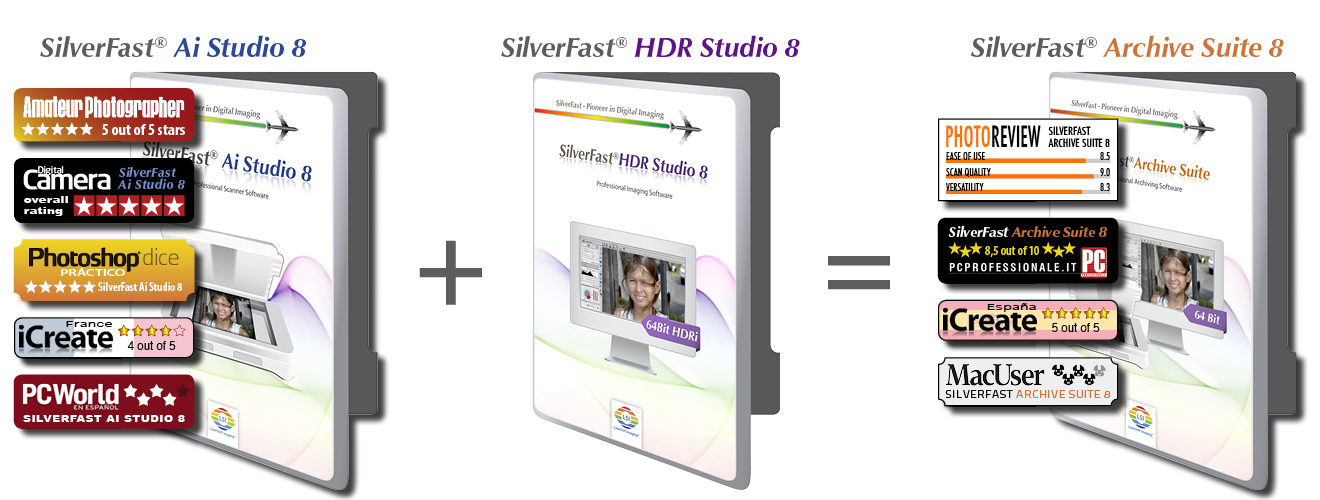
All around the world, many top photographers use SilverFast scanner and imaging software, to digitally archive their valuable unique pictures. Therefore, they rely on the SilverFast Archive Suite with its unique features, which ensure highest quality and safety.
The SilverFast Archive Suite 8 provides amazing new features and allows to build up a high-quality archive in no time following its unique non-destructive workflow.
|
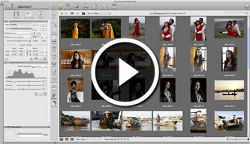
Let yourself be inspired by the new features and the Archive Suite Workflow! Watch our movie to find out, how the new VLT fits into the Archive Suite workflow.
|
|
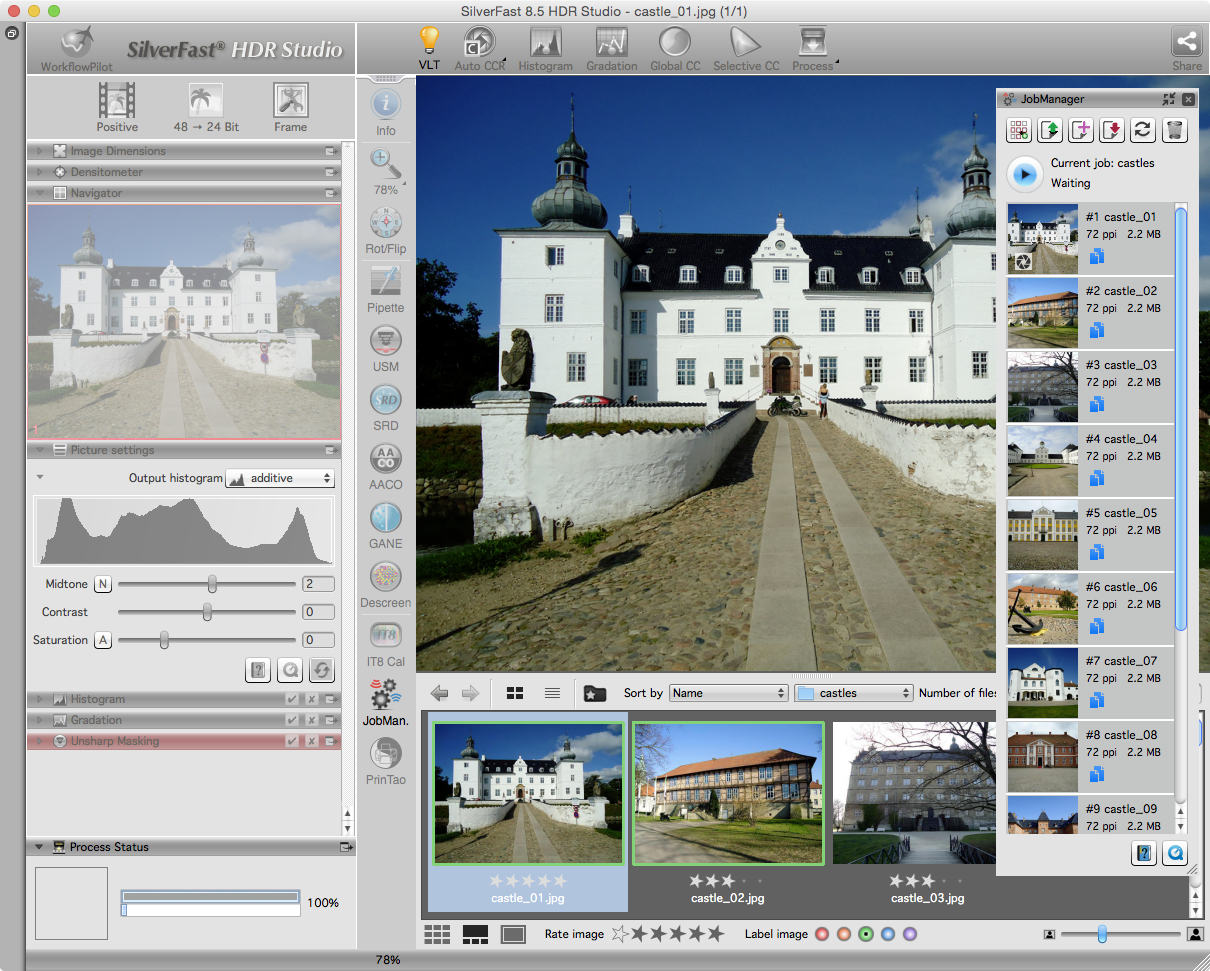
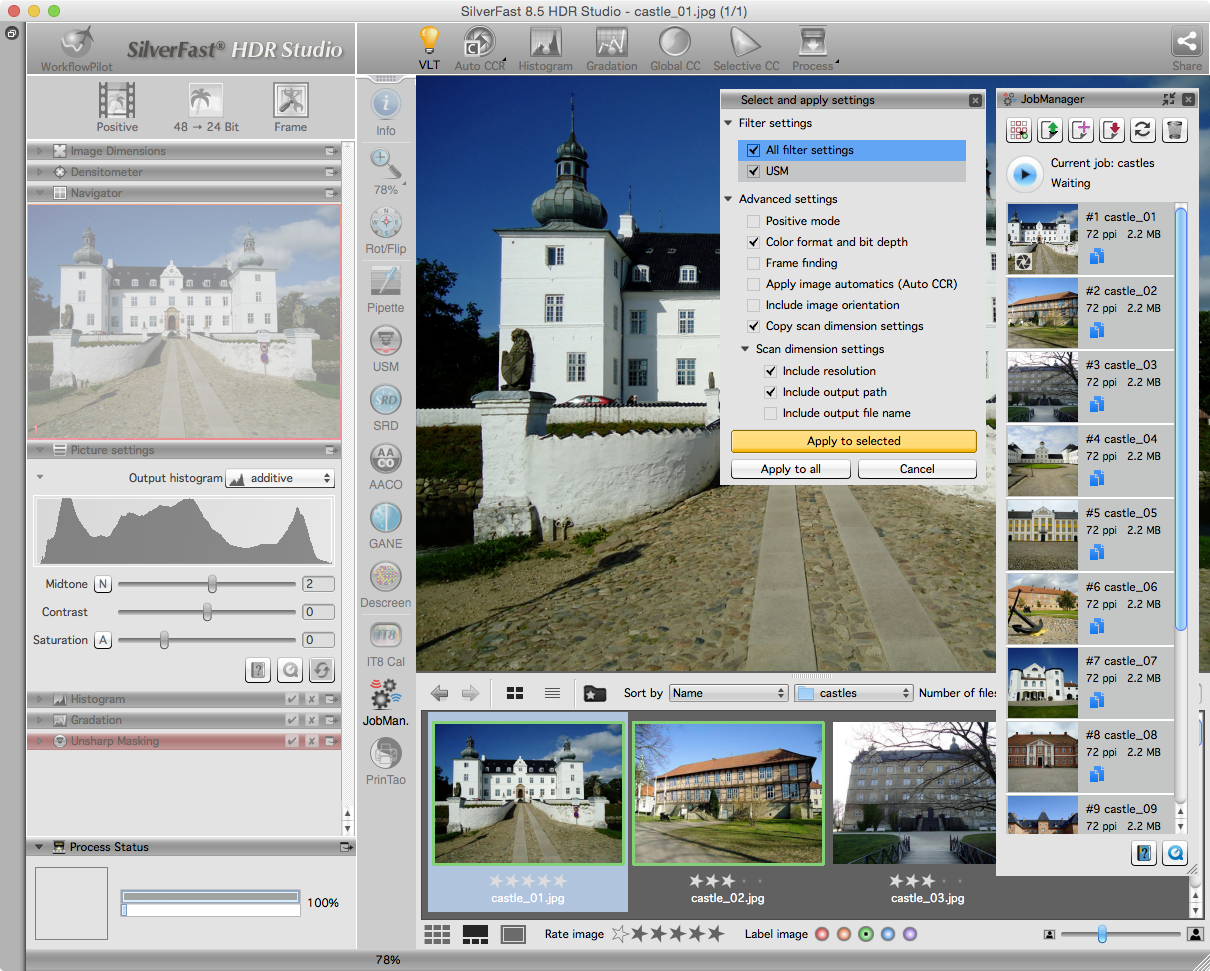
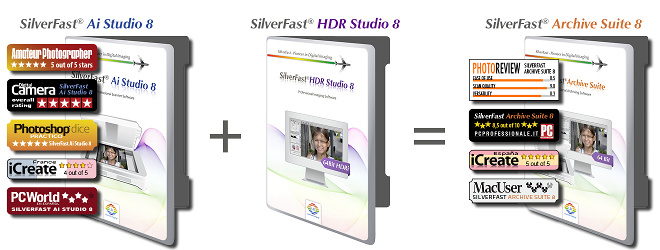
 VLT, the new Virtual Light Table in SilverFast HDR 8 and SilverFast HDR Studio 8, works as an ideal link to SilverFast scanner software. Having the VLT introduced, the archiving workflow is brought to perfection.Scanner and HDR software combined add up to the SilverFast Archive Suite 8.
What exactly is the VLT?
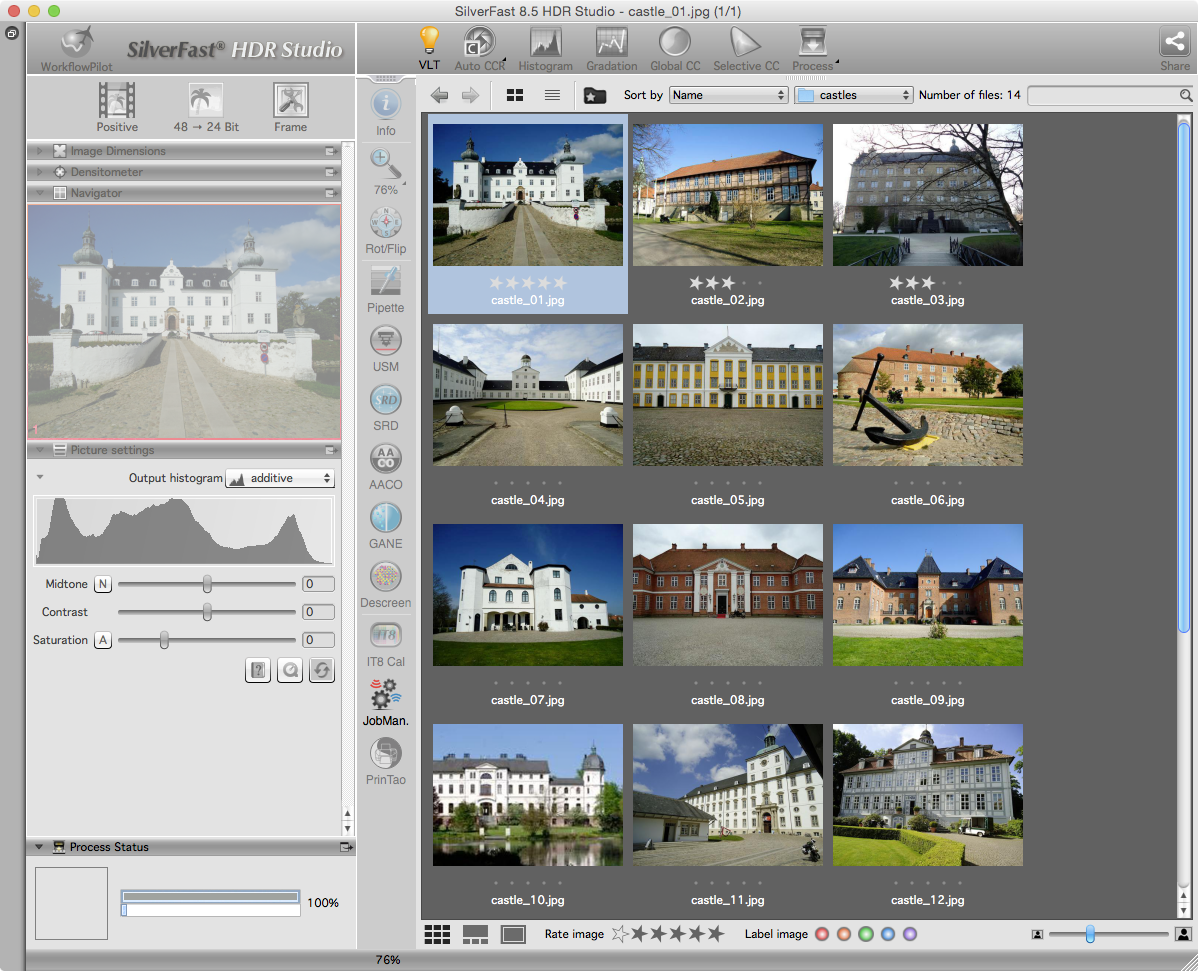
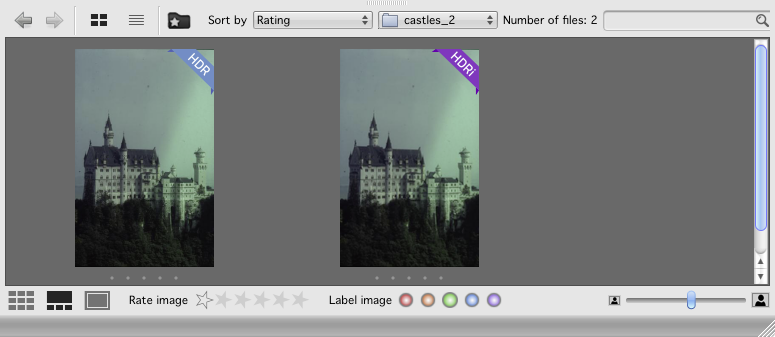
The SilverFast VLT is a Virtual Light Table, a kind of image file browser for scanned images. The VLT is used for selecting the desired scans for image optimization in batch mode quickly and well-aranged. The customizable preview function, and the possibilities for image rating and marking facilitate this process.
|
|
|
|
|
|
Download your update here:
|

|
|
|
|
 Starting with version 8.0.1r48 the new SilverFast Archive Suite 8 supports Adobe's DNG file format, which has established itself as the standard RAW data format. This file format, introduced in September 2004 by Adobe, has been developed with the aim to replace the many different proprietary manufacturer file formats. DNG provides an extension of the TIFF format, allowing to embed any metadata with the image data.
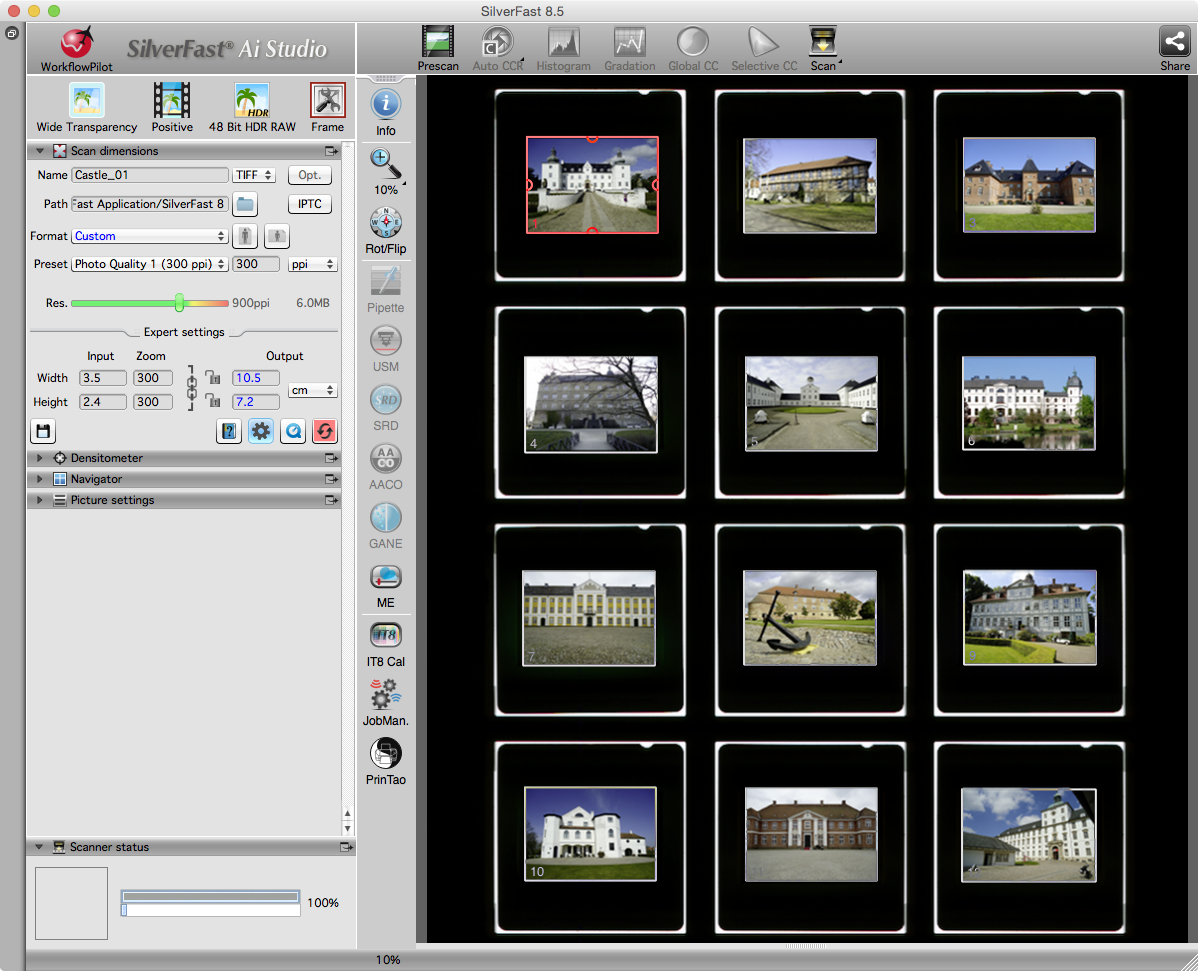
As a user, you can choose between the two RAW data formats DNG and the LaserSoft Imaging HDRi for digitizing your analog image originals. Both 64bit formats allow to store the infrared channel's data for the a subsequent dust and scratch removal.
Following this procedure, you will receive an ideal file (DNG or HDRi) once the scanning process has been completed. As you can always start over to optimize your RAW data image files, this workflow is non-destructive.
|
|
|
|
|
 English [change]
 English
 Deutsch
 Français
 Italiano
 日本語
日本語 Español
 Português
 Russian
 Chinese (Simp.)
 Czech
Czech Polish (Store only)