• SilverFast - Quality Scanner and Digital Imaging Software made in Germany since 1986
Brilliant scan results with SilverFast scanner software and the NIKON

LS 40ED / Coolscan IV ED

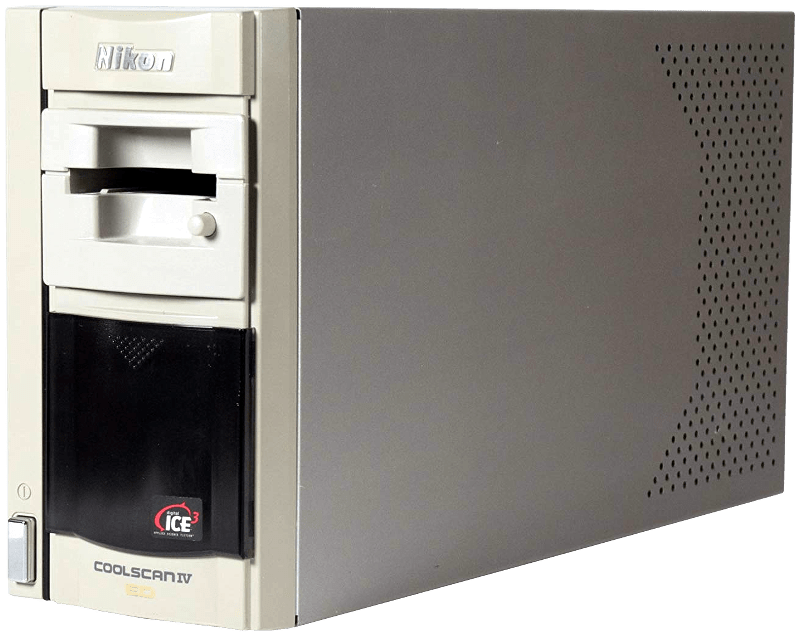
The Nikon LS 40ED / Coolscan IV ED is a very compact but high-quality film scanner with USB connection and high scanning speed for private individuals and semi-professional photographers at a fair price.

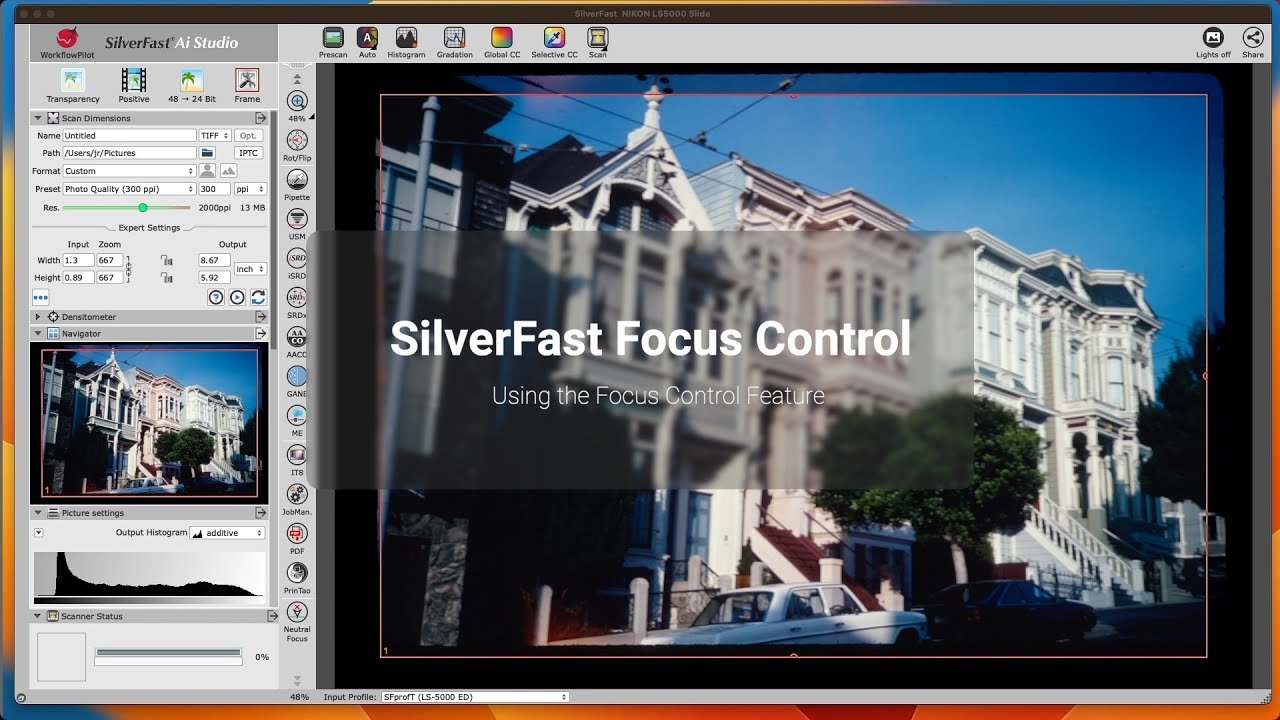
Unique Feature: SilverFast Focus ControlLearn more | Watch video

Nikon LS 40ED / Coolscan IV ED

Technical Specifications

  • Film scanner for slides, negatives and film strips

  • Optical Resolution: 2.900 dpi

  • Color depth: 36 Bit (internal & external)

  • Dynamic Range: 2,6 (3,6 with SilverFast Multi-Exposure)

  • Connection: USB

  • With Focus Control for optimal sharpness

SilverFast 8 ADF Scan

ADF is an abbreviation for “Automatic Document Feeder“. The Nikon LS 40ED / Coolscan IV ED film scanner is able to feed in small and medium format slides or filmstrips automatically. This means, the user does not have to transport the filmholder from image to image by hand, but controls the feeder with SilverFast 8. This manual describes how to use the SilverFast 8 ADF functionality.

  • Windows 11
  • Windows 10 (64bit)
  • Windows 8 (64bit)
  • Windows 7 (64bit)
  • macOS 26
  • macOS 15
  • macOS 14
  • macOS 13
  • macOS 12
  • macOS 11
  • macOS 10.15
  • macOS 10.14
  • macOS 10.13

  • Windows 10 (64bit)
  • Windows 10 (32bit)
  • Windows 8 (64bit)
  • Windows 8 (32bit)
  • Windows 7 (64bit)
  • Windows 7 (32bit)
  • Windows Vista (64bit)
  • Windows Vista (32bit)
  • Windows XP (32bit)
  • macOS 12
  • macOS 11
  • macOS 10.15
  • macOS 10.14
  • macOS 10.13
  • macOS 10.12
  • Mac OSX 10.11
  • Mac OSX 10.10
  • Mac OSX 10.9
  • Mac OSX 10.8
  • Mac OSX 10.7
  • Mac OSX 10.6
  • Mac OSX 10.5

SilverFast Scanner Software for the Nikon

LS 40ED / Coolscan IV ED

Choose between BASIC, PLUS and PREMIUM edition.

Focus Control Video

Watch our Video to learn more about SilverFast’s Focus Control. (Functionality may vary depending on the scanner model.)

Watch Video

Support & Help

If you encounter any question or problem with SilverFast and your Nikon scanner, please visit our support overview page.

Drivers

You can download the latest scanner drivers for your Nikon scanner model here at the manufacturer’s website.

System Requirements

Here you will find SilverFast‘s minimum system requirements regarding your computer hardware and operating systems.